
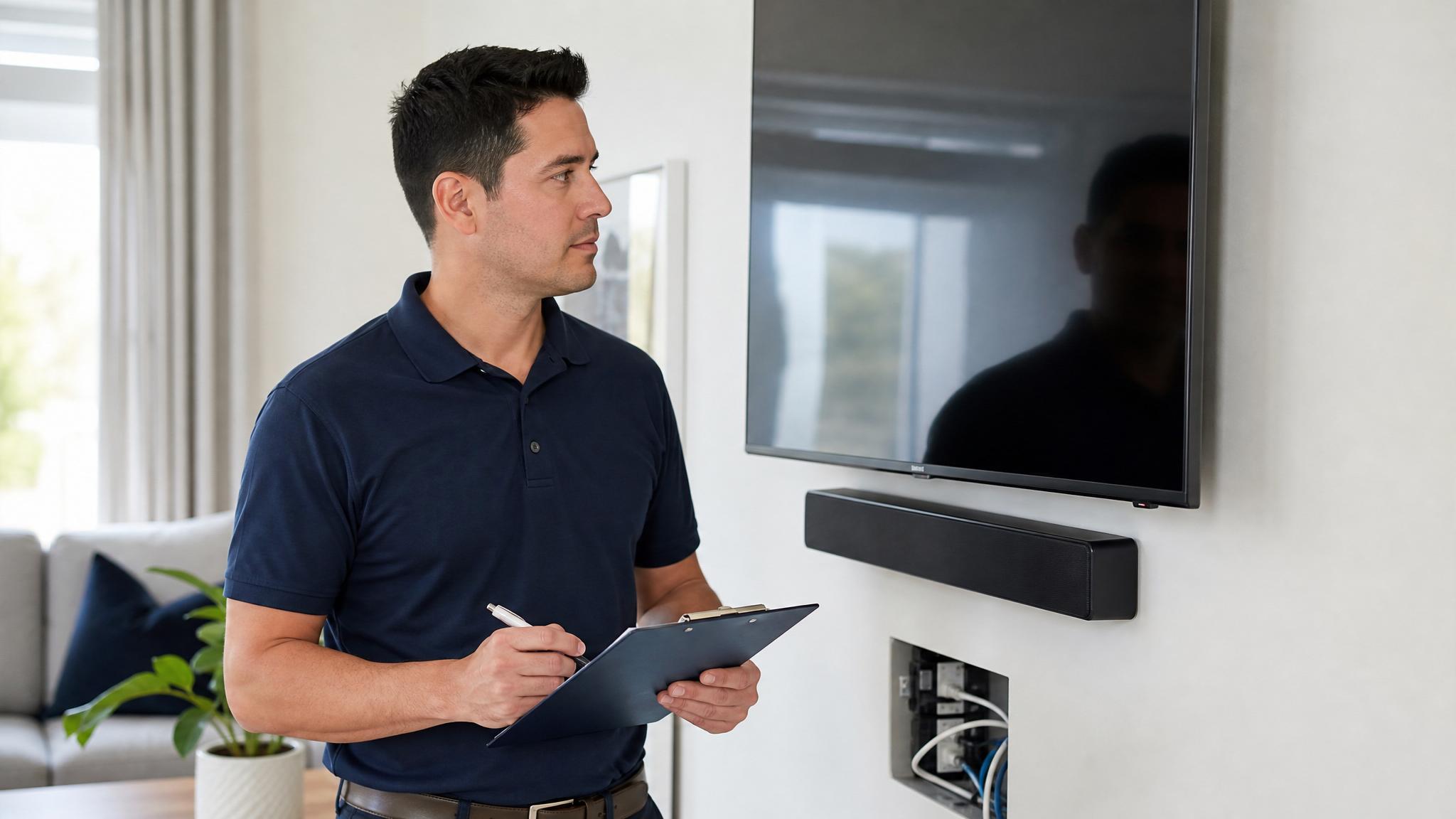
Homeowners going through a professional AV installation for the first time often aren't sure what the process actually looks like — how long it takes, what happens on-site, or what a fair scope of work should include. Here's a realistic walkthrough of each phase.
Phase 1: Site Visit and System Design
A proper installation starts with someone actually looking at the space — either in person or, at minimum, working from detailed floor plans. This visit covers where equipment will live, where wiring needs to run, what existing infrastructure (electrical, network) is already in place, and what the room's specific challenges are (concrete block construction is common in Florida and affects how wiring gets routed compared to wood-frame homes elsewhere).
You should walk away from this phase with a written scope: exactly what's being installed, where, what brands/models of equipment are included, and a firm quote — not a rough estimate. If a proposal is vague about equipment specifics, ask for detail before signing anything.
Phase 2: Rough-In (Wiring)
For new construction or renovation projects, this happens before drywall goes up — speaker wire, HDMI, Cat6, and any conduit for future flexibility all get run while the studs are exposed. This is also when in-wall or in-ceiling speaker boxes and mounting brackets get installed.
For retrofit projects in a finished home, rough-in looks different: wiring gets fished through existing walls and attic spaces, which takes longer and requires more careful planning to avoid unnecessary drywall cuts. A good installer will walk you through exactly where any wall access points will be before starting, not after.
Phase 3: Equipment Installation and Mounting
TVs get mounted, speakers get installed in their final locations, equipment racks get built out with amplifiers/receivers/network gear, and all the wiring gets terminated and connected. This phase also includes cable management — dressing and labeling wiring in the equipment rack so future service calls are straightforward rather than a mystery of unlabeled cables.
Phase 4: Programming and Calibration
This is the phase that separates a professional install from a DIY one most clearly. Programming includes setting up any control system or app, configuring automations, and integrating separate components (TV, receiver, streaming sources, lighting) so they behave as one system rather than requiring multiple remotes and apps.
Calibration means actually tuning the system for the room: setting individual speaker levels and distances, configuring crossover points between speakers and subwoofer, and for projectors, calibrating color, gamma, and brightness for the specific screen and ambient light conditions. Skipping this step is the single biggest reason a well-specced system underperforms — the equipment is only as good as its setup.
Phase 5: Final Walkthrough and Training
A proper installation ends with someone walking you through how to actually use the system — not just handing you a remote. This should cover normal day-to-day operation, how to troubleshoot the most common issues yourself (a blank screen usually means a source or input problem, not a broken TV), and who to call if something needs service.
What a Written Scope Should Include
Before work begins, get these in writing:
- Exact equipment — brand and model, not just categories ("a 5.1 speaker system" isn't specific enough)
- Timeline — including any dependencies on other trades (electricians, drywall, painters)
- What happens if something doesn't work as expected — is there a service call included, and for how long?
- Warranty terms — separate from manufacturer warranties, what does the installer guarantee on their labor?
Realistic Timelines
A single-room home theater or basic smart home package typically takes 1-3 days on-site once rough-in is complete. Whole-home systems involving multiple rooms, extensive wiring, and full smart home integration can run 1-3 weeks of on-site work, sometimes spread across the rough-in and finish phases of a larger renovation timeline. Anyone quoting same-day completion for a whole-home system is either doing a very limited scope or cutting corners on programming and calibration.
After the Install
Ask about ongoing support before you need it. Firmware updates, adding a new device to an existing smart home system, or a speaker that develops a rattle years later are all normal parts of owning an AV system — knowing in advance whether that's a quick phone call or a brand-new service quote is worth clarifying up front.