
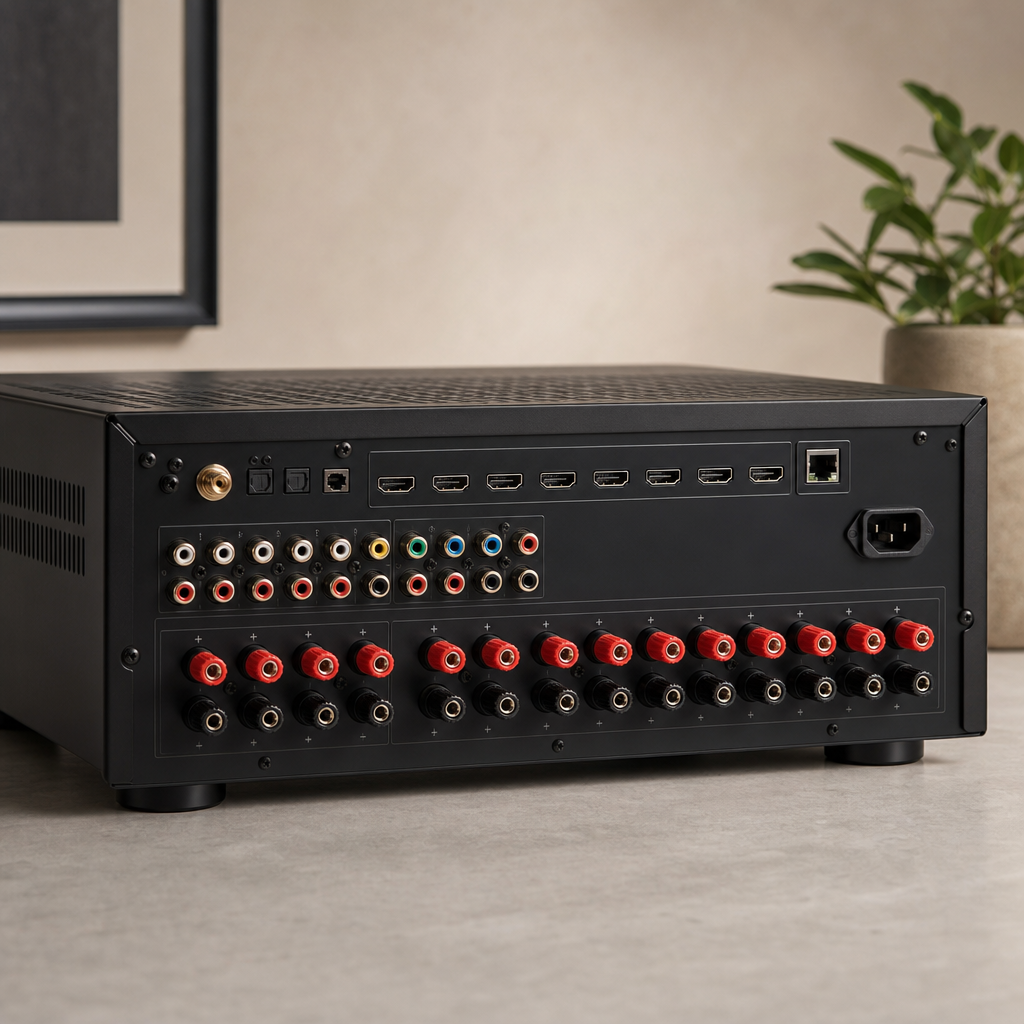
The AV receiver is the least glamorous piece of a home theater system and arguably the most important — it's the hub that decodes surround sound, routes video from every source to the display, and powers every speaker in the room. Getting the receiver right matters more than most homeowners expect, because undersizing it is the single most common reason an otherwise well-specced theater sounds flat or distorts at volume.
What "Channels" Actually Means
A receiver's channel count (5.1, 7.1, 7.2.4, etc.) describes how many independent speaker outputs it has. The first number is standard speakers (front left/right/center, surrounds), the number after the decimal is subwoofer outputs, and a third number (in formats like 7.2.4) is height/Atmos channels for overhead sound. Buy channels for the speaker layout you're actually installing — a 7.1 receiver powering a 5.1 speaker setup wastes money on outputs that never get used, while a 5.1 receiver can't power a system with height channels at all.
Power Ratings: Read Past the Headline Number
Receiver power specs are notoriously inconsistent between manufacturers because the testing conditions (how many channels driven simultaneously, what frequency range, what distortion threshold) vary and aren't always disclosed clearly. Two receivers both listing "100 watts per channel" can perform noticeably differently in practice. As a more reliable rule of thumb, match receiver power to room size and speaker sensitivity rather than chasing the biggest wattage number on the box — a receiver that's comfortably powering a small-to-medium room will sound noticeably better than one that's straining to fill a large great room at the same volume, regardless of what the spec sheet claims.
Matching a Receiver to the Room
- Small/medium rooms (under ~300 sq ft): A mid-range 5.1 or 7.1 receiver is typically plenty — power is rarely the limiting factor here.
- Large or open-concept rooms: Prioritize a receiver with genuinely higher continuous power output, since open floor plans dissipate sound energy that a contained room would reflect back.
- Dedicated theater rooms with height channels: Budget for a receiver built for Atmos/DTS:X from the start (7.2.4 or larger) rather than a stereo/5.1 receiver you plan to "upgrade later" — height channel processing isn't something that can be added after the fact without replacing the unit.
Video Switching and Future-Proofing
Beyond audio, the receiver typically handles HDMI switching for every video source in the room (streaming box, gaming console, disc player) and passes video through to the display. This makes HDMI version support a real consideration, not a spec-sheet afterthought — a receiver with outdated HDMI specifications can bottleneck picture quality or refresh rate even when the source and TV both support better. Since a receiver tends to stay in service for 7-10 years while sources and displays get replaced more often, it's worth buying HDMI capability slightly ahead of your current sources rather than exactly matching them today.
Separates vs. All-in-One Receivers
For most homes, an all-in-one AV receiver (processing and amplification in a single box) is the right choice — simpler installation, easier troubleshooting, and plenty of performance for the large majority of rooms. Separate processors and amplifiers (splitting those functions into different boxes) are a step reserved for dedicated theater rooms chasing reference-level performance, where the added cost and complexity buys a genuine, measurable improvement. If you're not sure which category your project falls into, it's almost certainly the all-in-one category.
The Bottom Line
Buy channels for the speaker layout you're actually installing, prioritize real-world power over headline wattage numbers, and budget HDMI capability slightly ahead of your current sources. A receiver sized correctly for the room is one of the most reliable ways to make sure the rest of a home theater system actually performs the way it was designed to.