
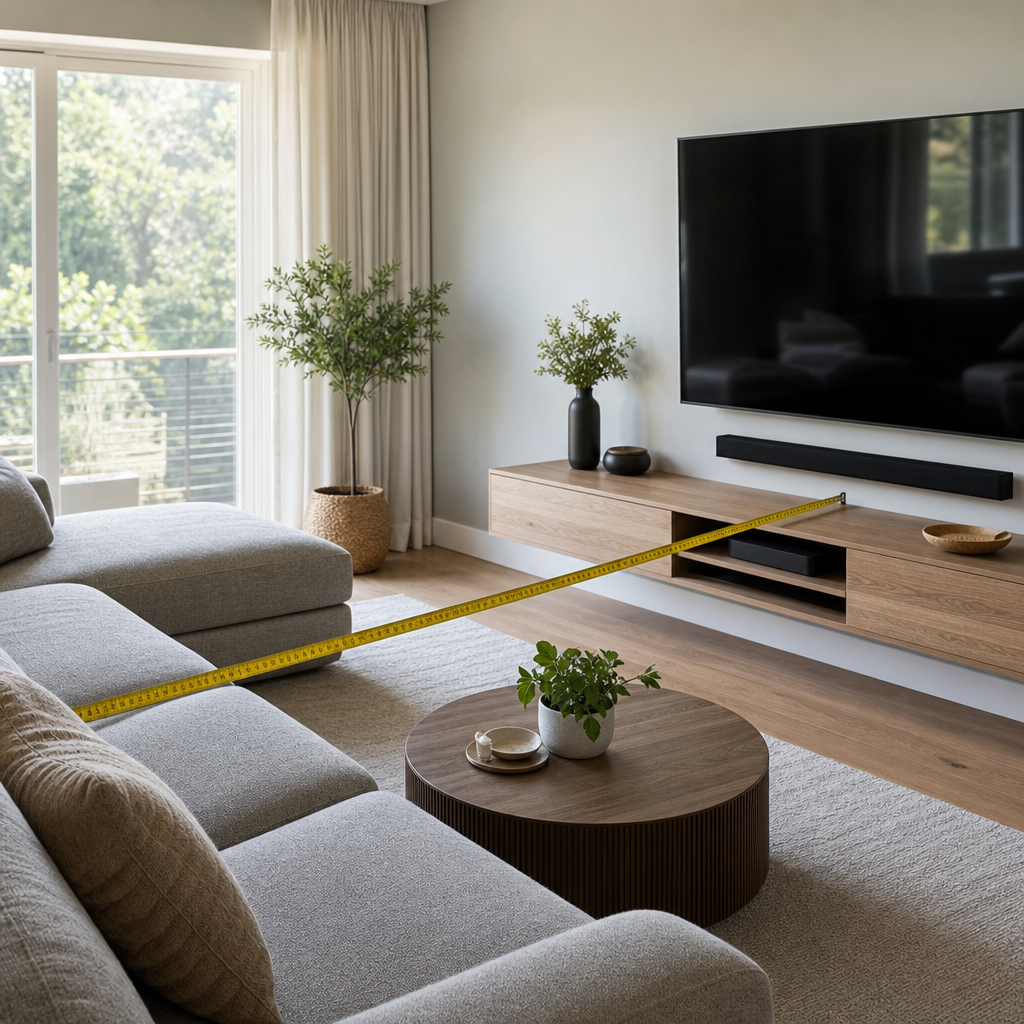
Most TVs are undersized for the room they're in — a habit left over from when large screens were expensive and "too big" felt like a real risk. Modern display technology and pricing have flipped that calculus, and the math for proper sizing is more straightforward than most people think.
The Viewing Distance Formula
THX recommends a viewing angle of roughly 40 degrees for an immersive experience, which translates to a simple guideline: divide your seating distance (in inches) by 1.2 to get a rough recommended screen size. For a more conservative, comfortable-for-everyday-viewing target, divide by 1.6 instead.
As a practical reference:
| Seating Distance | Immersive Size | Comfortable Size |
|---|---|---|
| 6 feet | ~60" | ~45" |
| 8 feet | ~80" | ~60" |
| 10 feet | ~100" | ~75" |
| 12 feet | ~120" | ~90" |
If your current TV feels small, it's very likely undersized for your actual seating distance based on this math — a common outcome of buying "the biggest TV that seemed reasonable" rather than sizing to the room.
Resolution Changes the Math
Higher resolution panels (4K, and increasingly 8K) let you sit closer to a larger screen without seeing individual pixels, which is why 4K has pushed recommended sizing larger across the board compared to the 1080p-era guidelines many people still have in their heads. If you're replacing an older 1080p TV with a 4K model, you can comfortably go noticeably larger at the same viewing distance without losing image quality.
Mounting Height Matters as Much as Size
The general rule: the center of the screen should sit at roughly eye level for the primary seated viewing position — typically 42-48 inches from the floor for most living room seating, adjusted for your specific furniture. Mounting too high (a common mistake, often done to accommodate a fireplace below) forces an uncomfortable upward viewing angle during long sessions and is one of the most common home theater regrets.
For rooms where the TV sits above a fireplace, a full-motion or tilting mount that angles the screen downward can meaningfully improve comfort compared to a fixed mount at the same height.
Room-by-Room Considerations
Living room / great room: Usually the largest screen in the house, sized to the primary seating distance from the couch. Watch for glare from windows and glass doors — Florida rooms with abundant natural light often need either window treatments or a higher-brightness panel (or both) to maintain good contrast during the day.
Primary bedroom: Viewing distance is typically shorter (bed to wall), so screens here are often smaller than living room expectations suggest — a 55-65" TV is plenty for most bedroom layouts, even though it might look "small" compared to a living room screen at first glance.
Home office: Frequently overlooked as a TV location, but if you're adding a display for video calls or secondary viewing, prioritize eye-level mounting over size — comfort during extended sessions matters more here than screen scale.
Outdoor / lanai / patio: Requires purpose-built outdoor-rated displays, not a standard indoor TV in a weatherproof enclosure — direct sun exposure, humidity, and temperature swings common in Florida will shorten the life of an indoor panel dramatically. Outdoor TVs also need significantly higher brightness (measured in nits) to remain visible in daylight; a TV rated for 300-400 nits (typical indoor spec) will look washed out and dim outdoors, where 1,000+ nits is a more realistic minimum for daytime viewing.
A Simple Pre-Purchase Checklist
- Measure your actual seating distance — don't estimate.
- Apply the viewing distance formula to get a size range, not a single number.
- Decide mounting height based on your seated eye level, not a generic "eye level" assumption.
- For any room with significant natural light, factor glare and brightness into the panel choice.
- For outdoor installations, budget for outdoor-rated equipment specifically — it costs more than an indoor TV but is built to actually survive the environment.